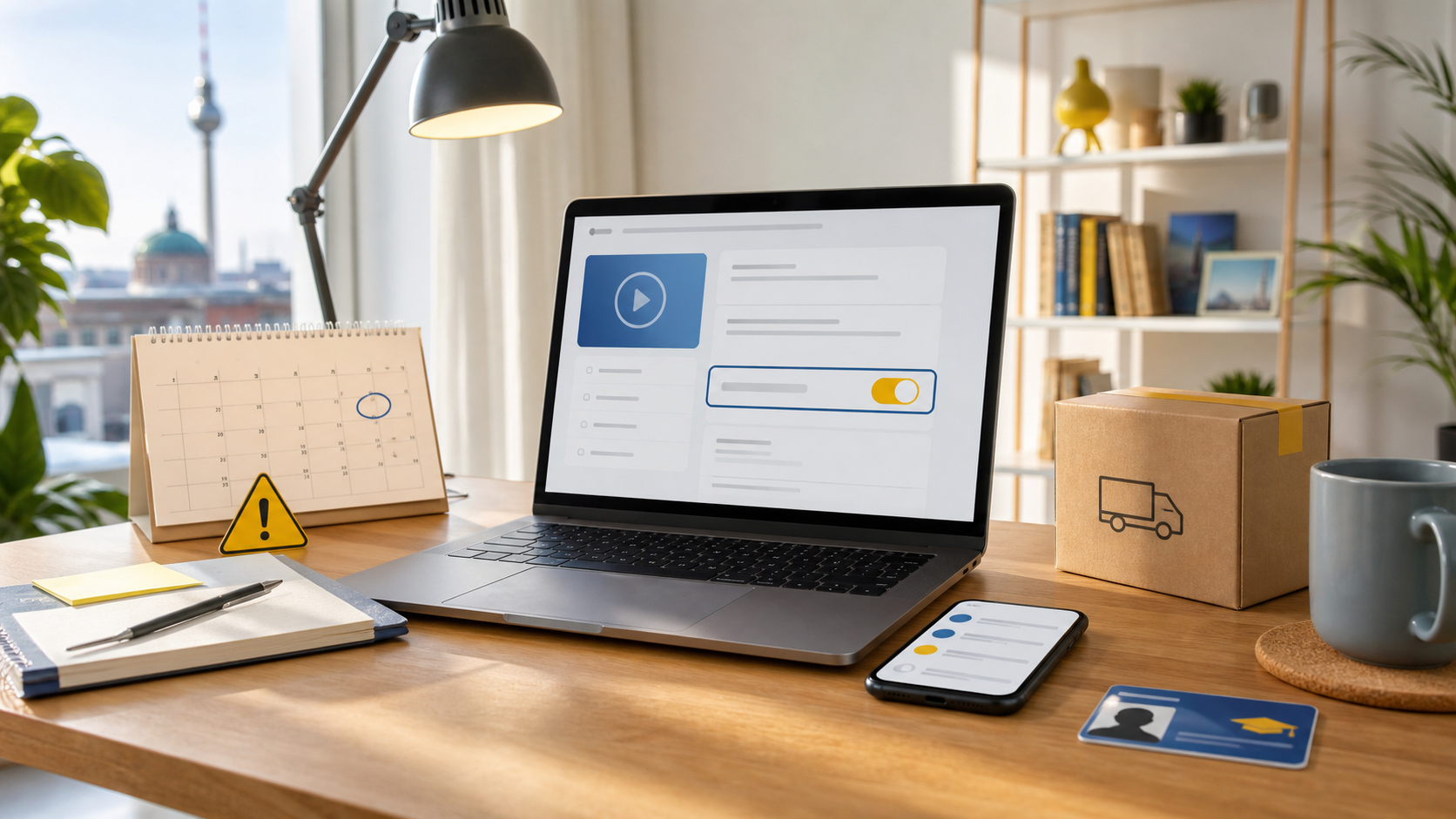
If you only want the free Amazon Prime Student period in Germany and do not want a surprise charge later, the key is simple: stop the renewal, but do not blindly end the benefits immediately.
Quick answer
According to Amazon help pages checked on June 17, 2026, the wording can differ, but the risk is always the same: one option only stops the next renewal, while another option can end your free benefits immediately. If you still need the signup guide first, use our 6 months free Prime Student article.
Already signed up? Read this before you click
If you still have not joined, Amazon still advertises a student or young-adult Prime offer in Germany. The smart path is simple: get the offer only if you also plan how to stop the next renewal safely.
Check the Prime Student offer1. The one detail that matters
People mix up two different actions:
- Stop future renewal: this is the safe choice if you only want to avoid the next bill.
- End free trial or membership now: this can cut off your current benefits immediately.
Amazon's own help pages explicitly show immediate-end wording such as end free trial and give up benefits. That is why you should read the final button and confirmation text, not only the first menu label.
| What you click | What usually happens | Safe if you only want no future charge? |
|---|---|---|
| Stop renewal | Benefits often continue until the shown end date | Usually yes |
| End trial now | Shipping and streaming benefits can end immediately | Usually no |
2. Safe cancellation flow in Germany
- Open your Prime membership settings from your Amazon account.
- Choose the membership management area. Amazon often shows wording similar to update, cancel, and more.
- Move forward until Amazon shows the final consequence clearly.
- If the screen says your benefits continue until a specific end date, that is usually the safer no-renewal path.
- If the screen says you give up benefits immediately, stop and go back unless that is exactly what you want.
3. What happens after you stop renewal?
The exact result depends on the option Amazon shows to your account. In practice, one of these usually happens:
- You keep Prime benefits until the displayed end date and are not renewed afterward.
- You end the trial or membership immediately and lose shipping or streaming benefits right away.
- Amazon asks for updated student or apprenticeship proof before continuing discounted access.
This is why the page can work commercially without feeling spammy: the user problem is real, the mistake is expensive, and the fix is practical.
4. Three mistakes that cost people money
- Waiting until the last day: if you forget, you can be billed before you react.
- Using the app too fast: the mobile flow makes it easier to tap through without reading the final consequence.
- Assuming every account sees the same wording: Amazon changes labels by account type, device, and membership state.
5. Official sources checked for this article
Research check date: June 17, 2026.
- Amazon Help: end a Prime membership
- Amazon Help: Prime Student eligibility and proof
- Amazon.de student and young adult Prime offer page
Note: Amazon can change labels, flows, prices, and eligibility rules. This article is not legal or financial advice. Always read the last confirmation screen in your own account before you click.
Did this guide help you?
☕ Support Citizify
We create free resources for language learners. Your small contribution helps us keep going.
Thank you for your support! 💙